
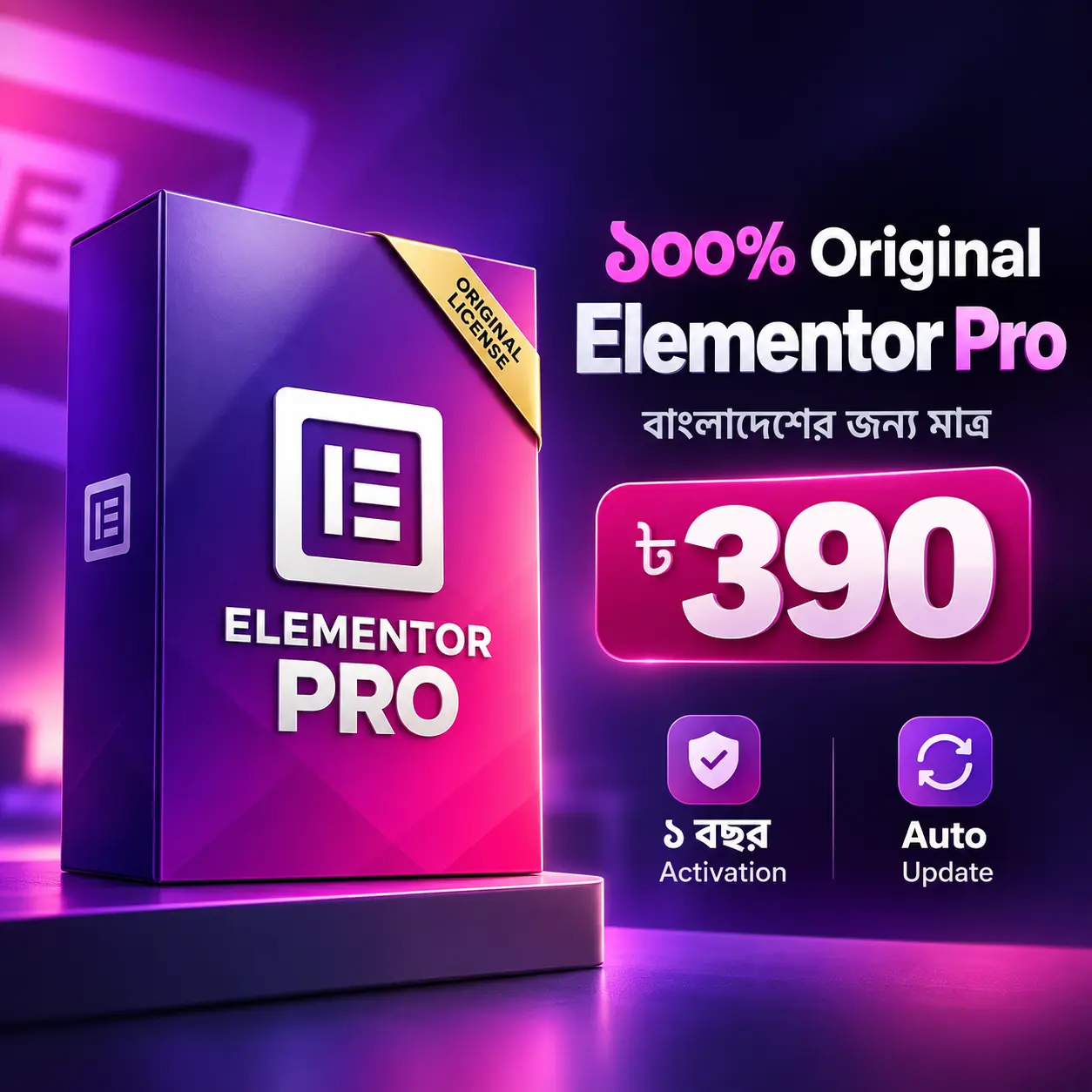
Description
Elementor Pro Bangladesh — Original License (One Pack) হলো WordPress-এর জন্য একটি visual website builder plugin, যার সাহায্যে coding না লিখেও page, landing page, business site, portfolio, blog layout এবং WooCommerce experience ডিজাইন করা যায়। Drag-and-drop editor-এ section, container, widget, column, button, image, form ও content block সাজিয়ে নিজের brand অনুযায়ী website তৈরি করা যায়।
Elementor-এর official Pro overview-এ Editor Pro widgets, Theme Builder, Dynamic Content, Form Builder, Popup Builder, custom code/CSS ও eCommerce capability-এর কথা বলা হয়েছে। কোন plan-এ কোন feature অন্তর্ভুক্ত থাকবে তা plan ও account configuration অনুযায়ী বদলাতে পারে, তাই product activation-এর আগে প্রয়োজনীয় workflow যাচাই করুন।
Drag-and-Drop Visual Website Building
Elementor Pro-এর visual editor-এ page structure চোখের সামনে দেখা যায়। Text, heading, image, icon, video, button, divider, spacer, gallery, testimonial, pricing block ও call-to-action section সাজিয়ে business page তৈরি করা যায়। Preview থেকে editor-এ ফিরে spacing, alignment, typography, color, border, background, animation ও responsive setting fine-tune করা যায়।
Business website-এ hero section, service overview, process, case study, team, testimonial, FAQ, location, contact CTA ও footer navigation-এর hierarchy আগে ঠিক করুন। Landing page-এ একটি clear objective রাখুন—lead form, consultation, booking, product purchase বা resource download। অনেক widget একসঙ্গে দিলে page ভারী ও confusing হতে পারে, তাই content goal অনুযায়ী widget বাছাই করুন।
Theme Builder দিয়ে Site Parts Customization
Elementor Theme Builder documentation অনুযায়ী Header, Footer, global page/post, archive, WooCommerce product এবং product archive-এর জন্য visual template তৈরি করা যায়। এই template বর্তমান WordPress theme-এর page hierarchy, layout ও CSS-এর সঙ্গে কাজ করে এবং display condition-এর মাধ্যমে নির্দিষ্ট page, category বা content type-এ প্রয়োগ করা যায়।
Theme Builder ব্যবহার করার আগে existing theme header, footer, single post, archive, 404 এবং WooCommerce template-এর দায়িত্ব বুঝে নিন। একটি নতুন Header publish করলে পুরোনো header-এর সঙ্গে conflict হতে পারে। তাই display condition লিখে, staging site-এ logged-out ও logged-in view পরীক্ষা করুন। Header-এ logo, menu, search, CTA ও mobile navigation; Footer-এ contact, policy, social links ও copyright পরিষ্কার রাখুন।
Global Styles ও Design System
একটি বড় website-এ প্রতিটি section আলাদা করে style করলে maintenance কঠিন হয়। Elementor-এর global color, global font, button rule, spacing এবং reusable component ব্যবহার করে brand system তৈরি করুন। Logo, primary color, accent color, heading font, body font, link state, button hover, form error এবং focus state-এর জন্য আগে design rule ঠিক করুন।
বাংলা ও English text একসঙ্গে থাকলে font fallback, line-height, heading wrap এবং button width পরীক্ষা করুন। Light background-এর ওপর text contrast, image overlay, mobile card, pricing table এবং dark footer আলাদা করে দেখুন। Accessibility-এর জন্য color একমাত্র status signal না করে label, icon বা text ব্যবহার করুন।
Dynamic Content ও Custom Data Workflow
Official Pro overview-এ Dynamic Content-এর মাধ্যমে WordPress content-এর সঙ্গে design যুক্ত করার কথা বলা হয়েছে। Plan অনুযায়ী custom field ও post type-এর support ভিন্ন হতে পারে। Dynamic data ব্যবহার করে author name, post title, featured image, category, custom field, price বা other content source template-এর মধ্যে দেখানো যায়। এতে একই design বহু content item-এ reuse করা সম্ভব।
Dynamic template তৈরি করার সময় empty field, missing image, long title, special character, date format, author permission ও fallback content test করুন। Custom post type বা field plugin ব্যবহার করলে update compatibility ও data backup বজায় রাখুন। Dynamic content ভুল হলে অনেক page-এ একই error দেখা দিতে পারে, তাই publish-এর আগে representative content sample দিয়ে QA করুন।
Forms দিয়ে Lead Collection
Elementor Pro-এর official overview Form Builder-কে professional lead form তৈরি ও marketing tools-এর সঙ্গে integration-এর জন্য বর্ণনা করে। Contact, quote request, consultation, newsletter, booking enquiry বা support form তৈরি করা যায়। Field label, required state, consent checkbox, success message, spam protection, notification email এবং redirect workflow পরিষ্কারভাবে configure করুন।
Form publish করার আগে valid email, invalid email, empty field, mobile keyboard, consent না দেওয়া, duplicate submission, email delivery, admin notification ও privacy notice পরীক্ষা করুন। Lead data কোথায় সংরক্ষিত হচ্ছে এবং কারা access পাবে তা documentation অনুযায়ী নির্ধারণ করুন। Form feature থাকা মানেই business compliance বা delivery guarantee নয়; hosting, SMTP, anti-spam ও privacy configurationও প্রয়োজন।
Popup Builder ও Conversion Flow
Elementor-এর official resources-এ popup layout, conditions, rules ও styles নিয়ন্ত্রণের workflow রয়েছে। Popup newsletter signup, exit-intent information, announcement, campaign, product offer, login বা resource download-এর জন্য ব্যবহার করা যায়। Trigger, display condition, frequency, close button, overlay, keyboard access এবং mobile size আগে ঠিক করুন।
একই visitor-কে বারবার popup দেখালে user experience খারাপ হতে পারে। Essential content বা checkout-এর ওপর intrusive overlay রাখবেন না। Cookie বা consent-sensitive campaign হলে applicable privacy notice দিন। Popup open, close, form submit, redirect, keyboard focus ও reduced-motion behavior desktop এবং mobile-এ test করুন।
WooCommerce Product ও Shop Design
Elementor WooCommerce Builder documentation অনুযায়ী WooCommerce install থাকলে single product ও archive template ডিজাইন করা যায়। Menu Cart, breadcrumbs, product title, price, rating, short description, stock, add to cart, product meta, data tabs, images, upsells, related products এবং additional information-এর widget ব্যবহার করা যায়।
Shop page-এ product image, title, price, sale state, category, filter, pagination এবং add-to-cart action পরিষ্কার রাখুন। Single product template-এ price, stock, variation, gallery, short description, shipping information, policy, related product ও checkout CTA পরীক্ষা করুন। Product template publish করার সময় condition সঠিকভাবে দিন, যেন unintended category বা product-এ template প্রয়োগ না হয়।
WooCommerce launch-এর আগে product, variation, stock, tax, shipping, payment, coupon, refund, order email, customer account, cart, checkout এবং mobile tap target test করুন। Elementor WooCommerce widget দেওয়ার পরেও payment gateway, delivery, legal notice, inventory ও transaction email আলাদাভাবে configure করতে হয়। Theme বা plugin compatibility environment অনুযায়ী বদলাতে পারে।
Responsive Editing: Desktop, Tablet ও Mobile
Elementor responsive editing documentation-এ PC, tablet ও mobile view-এর জন্য আলাদা settings এবং breakpoint-এর কথা বলা হয়েছে। Default workflow-এ tablet ও mobile breakpoint ব্যবহার করে heading size, column direction, gap, padding, image height, menu এবং button alignment আলাদাভাবে adjust করা যায়। প্রয়োজন হলে additional breakpoint configure করা যায়।
Desktop view সুন্দর হলেই mobile experience ঠিক হবে না। প্রতিটি page-এর hero, navigation, card grid, form, pricing, table, popup, gallery, footer, product image, cart ও checkout phone-এ দেখুন। Long Bengali headline, mixed-language button, horizontal overflow, sticky header, tap target এবং keyboard focus পরীক্ষা করুন। Responsive setting ব্যবহার করলেও real device ও browser testing প্রয়োজন।
Templates, Reusable Blocks ও Workflow
Repeated section, header CTA, testimonial card, service item, pricing block বা footer column reusable template হিসেবে রাখলে content team দ্রুত কাজ করতে পারে। Template naming convention, version note, owner, display condition ও last review date লিখে রাখুন। Import করা template publish করার আগে image, link, button, alt text, heading hierarchy, form action ও tracking code যাচাই করুন।
একই website-এ একাধিক design system ও অতিরিক্ত widget dependency তৈরি করবেন না। Template export বা migration করার আগে media path, custom font, global settings, custom code, dynamic field এবং plugin dependency document করুন। Unfiltered upload বা third-party template ব্যবহার করলে source ও security review করুন।
Business, Agency ও Portfolio Website
Agency site-এ service category, process, industry expertise, case study, client proof, team ও enquiry route সাজানো যায়। Consultant site-এ authority, methodology, deliverable, consultation CTA ও FAQ স্পষ্ট রাখুন। Portfolio site-এ project image, role, scope, tools, outcome context ও contact route দিন। Personal brand site-এ profile, article, speaking, resource ও social link-এর hierarchy ঠিক করুন।
Template ব্যবহার করে দ্রুত শুরু করা গেলেও imported text, placeholder image ও generic claim রেখে publish করবেন না। নিজের service area, price context, availability, business address, policy এবং contact channel যাচাই করুন। Strong design-এর সঙ্গে accurate copy, accessible interaction, fast-loading media এবং clear conversion path থাকা জরুরি।
Blog, Content Hub ও Archive Templates
Theme Builder দিয়ে blog post, category archive, author archive, search result ও 404 template আলাদা করে সাজানো যায়। Archive card-এ featured image, title, category, author, date, excerpt এবং read-more action consistent রাখুন। Single post-এ heading hierarchy, table of contents, related content, author information, updated date, source ও CTA রাখলে পাঠকের navigation সহজ হয়।
Dynamic archive template-এ empty category, long title, missing featured image, pagination, search query, no-result message ও mobile layout test করুন। Blog design search ranking বা traffic guarantee করে না; helpful original content, accurate information, internal linking, technical SEO এবং regular review প্রয়োজন।
Custom CSS ও Code ব্যবহারে সতর্কতা
Elementor Pro-এর কিছু plan-এ custom code ও CSS capability অন্তর্ভুক্ত থাকতে পারে। Custom CSS দিয়ে spacing, breakpoint, typography, button, animation বা component-specific styling করা যায়। তবে production site-এ code যোগ করার আগে child theme, version control, backup এবং rollback path রাখুন। একই rule বহু template-এ প্রভাব ফেলতে পারে।
Custom JavaScript বা third-party embed যোগ করার আগে source, data access, performance, security, CSP, consent এবং browser behavior যাচাই করুন। Inline code দিয়ে payment, authentication, privacy বা critical validation bypass করবেন না। Update-এর পরে header, popup, form, shop, cart, checkout, account page ও mobile menu পুনরায় পরীক্ষা করুন।
Performance, Accessibility ও Maintenance QA
Visual builder-এ বেশি section, large image, animation, webfont, third-party script ও popup যোগ করলে page weight বাড়তে পারে। Image dimensions, WebP/AVIF workflow, lazy loading, font loading, cache, unused widget, CSS এবং JavaScript review করুন। Vendor বা plugin capabilityকে fixed PageSpeed, Core Web Vitals, ranking বা conversion guarantee হিসেবে দেখবেন না।
Accessibility review-এ heading order, link purpose, button label, keyboard navigation, focus visibility, contrast, form error, alt text, reduced motion, screen-reader text এবং modal focus পরীক্ষা করুন। Desktop, tablet, mobile, logged-in, logged-out এবং major browser-এ representative pages দেখুন। Elementor, WordPress, theme, WooCommerce ও supporting plugin update-এর আগে staging backup রাখুন।
Elementor Pro ও Free-এর ব্যবহারের পার্থক্য
Elementor Free ও Pro-এর feature set এক নয়। Pro overview-এ plan অনুযায়ী widgets, Theme Builder, Dynamic Content, Form Builder, Popup Builder, custom code/CSS ও eCommerce inclusion বদলানোর কথা দেখা যায়। আপনি যে workflow চান—যেমন Theme Builder, form submission, popup, dynamic fields বা WooCommerce template—activation-এর আগে plan-specific availability নিশ্চিত করুন।
এই product description official capability-কে buyer workflow-এর সঙ্গে ব্যাখ্যা করে; নির্দিষ্ট plan, account limit, external integration, hosting বা plugin version-এর পরিবর্তনকে অস্বীকার করে না। Documentation ও current Elementor account information দেখে final configuration করুন।
Elementor Pro Launch Checklist
- Website objective, page list, theme, builder workflow, fonts, colors, forms, popup ও WooCommerce requirement লিখে নিন।
- Backup নিয়ে plugin activate করুন এবং required widgets, Theme Builder, forms, dynamic content ও integrations staging-এ পরীক্ষা করুন।
- Header, footer, single post, archive, 404, product, cart, checkout, popup ও mobile menu-এর display conditions QA করুন।
- Responsive breakpoints, Bengali text wrapping, images, keyboard navigation, contrast, form delivery এবং legal notice যাচাই করুন।
- Theme, plugin, WordPress, WooCommerce, templates ও custom code update করার আগে staging এবং rollback plan রাখুন।

Reviews
There are no reviews yet.